Cinematic Preset Pack
+ Cinematic Base
+ 5 Modifiers
+ 2 B&W Presets
+ Instructions for download
+ Tips for using presets
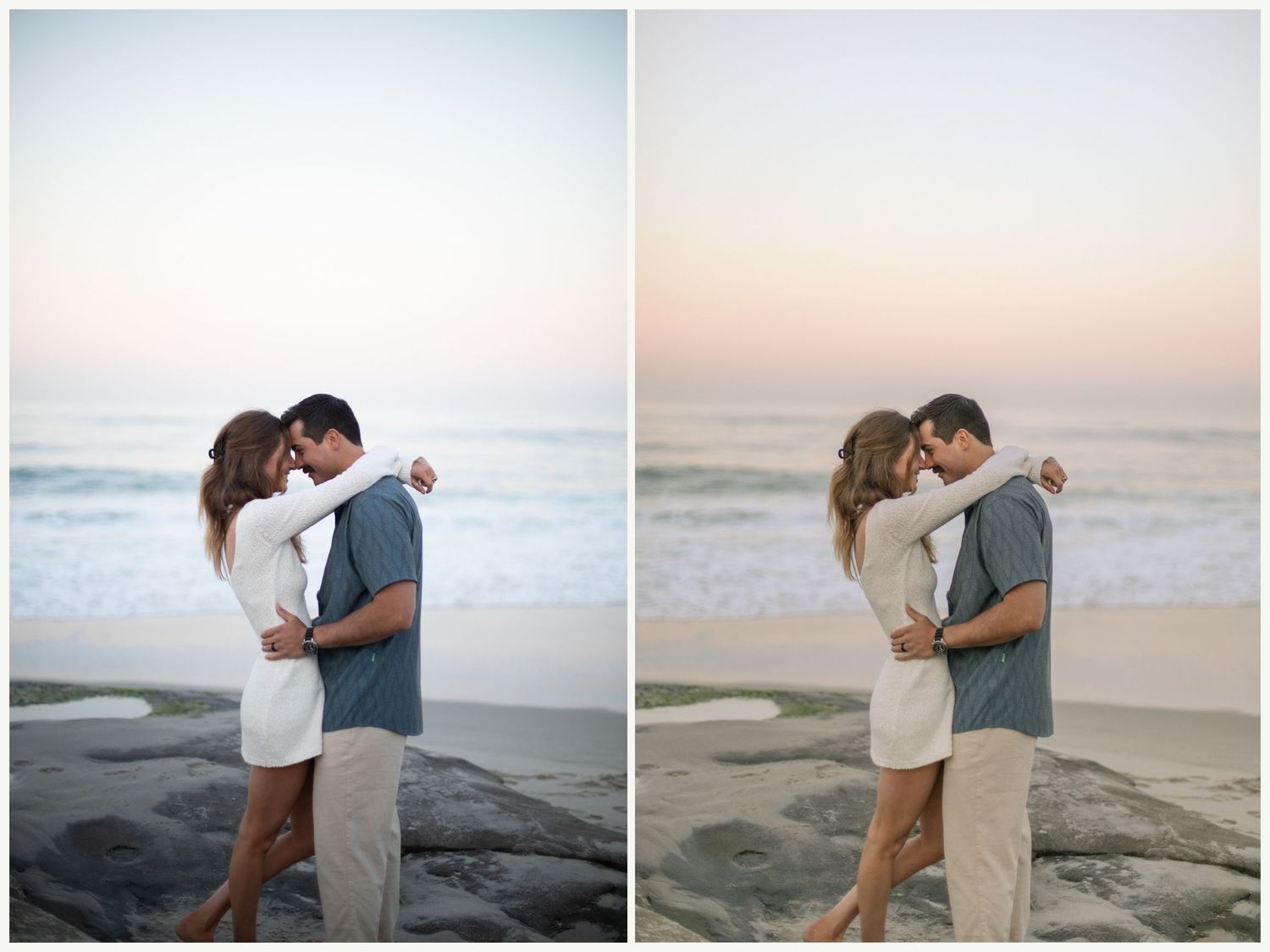
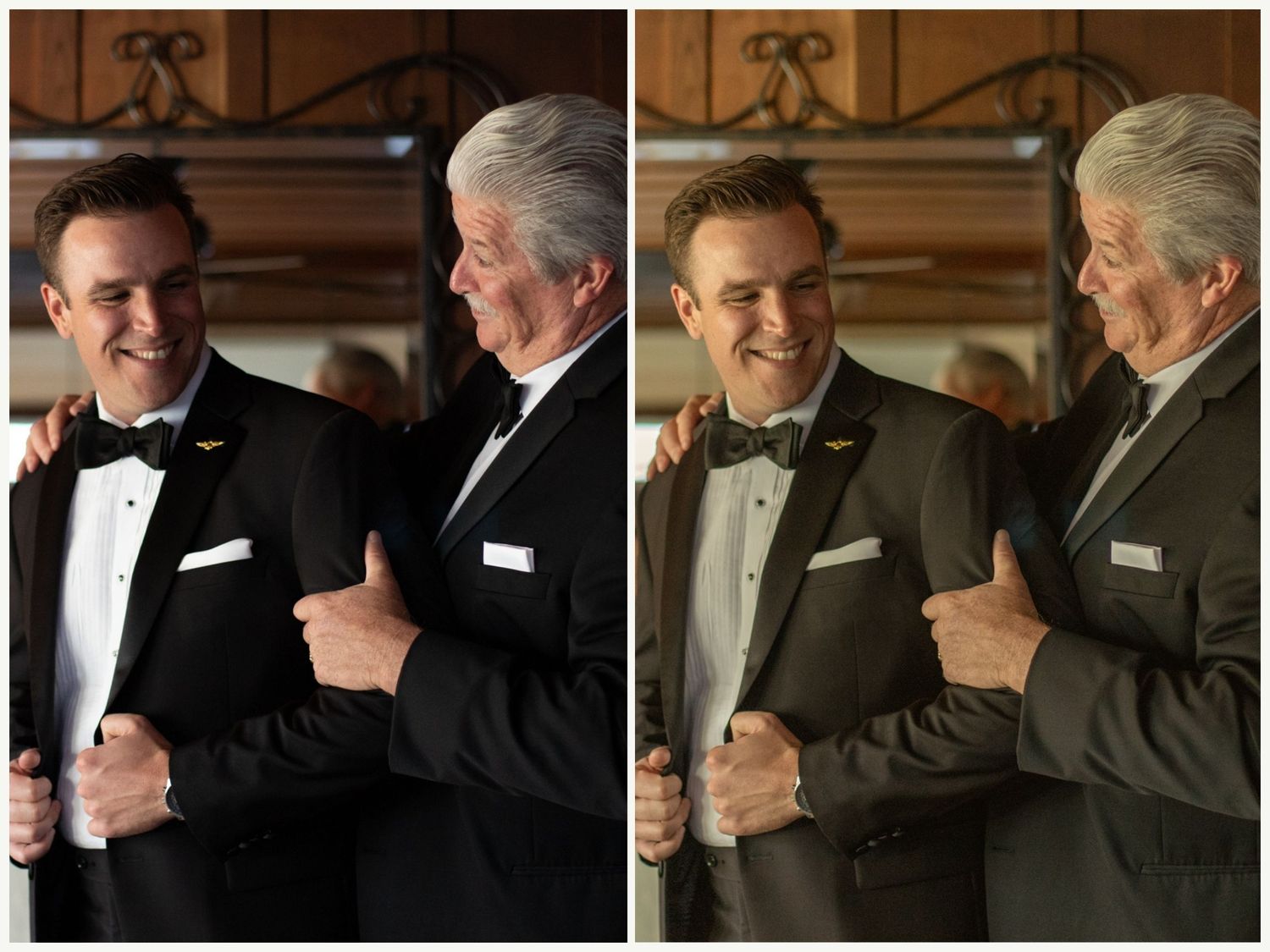
This Cinematic Preset Pack is designed to transform your images with rich tones, soft contrast, and that effortless, film-inspired look you’ve been chasing.
Each preset is carefully crafted to enhance natural light, deepen shadows, and create a true cinematic feel while keeping skin tones clean and true to life.
Think:
- Warm highlights + moody shadows
- Soft, film-like tones
- Muted colors with depth
- Natural, glowing skin tones
Base Cinematic Preset
This is the base preset that you will apply to your image. Lots of time this is all you will need and then you can apply minor adjustments like exposure, highlights, blocks etc...
Contrast Modifier
After you've added your base preset, this Contrast Modifier will bring out the highlights and whites a bit to bring that extra contrast.
Cool Modifier
When you have an image that is very orange to begin with or very hot lighting, you can add this cool modifier to bring that all down.
Greens Modifier
When you want to give your photo more of a green tone, you can apply this Greens Modifier for an overall enhanced green tint
Magenta Modifier
If you need to give your image a little magenta boost, this Magenta Modifier is great for that.
Grain Modifier
This Grain Modifier is perfect for giving your image an extra film feel by adding grain.
B&W
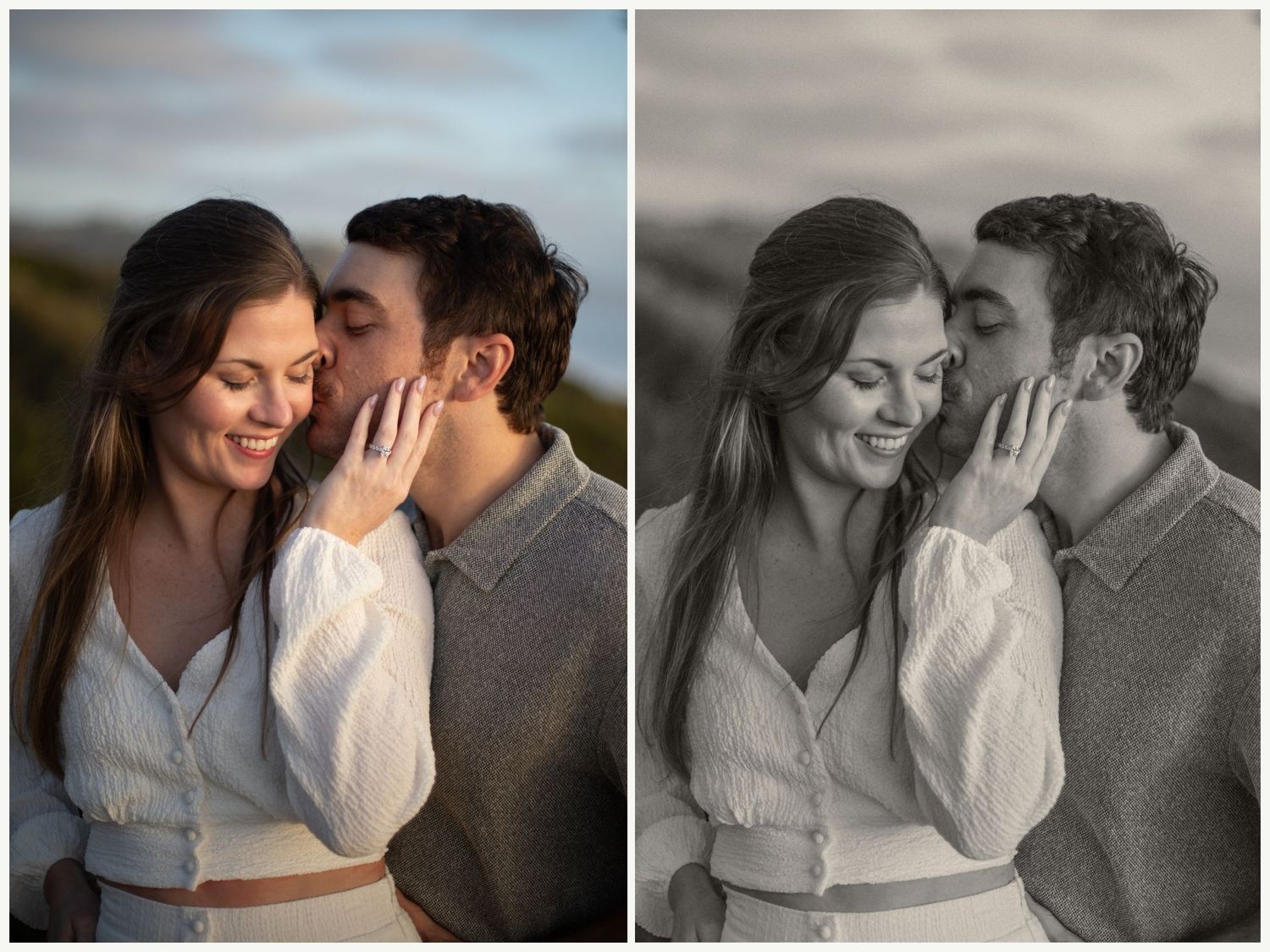
This is a great Black and White Preset for making a beautiful soft black and white, or giving it that film look.
B&W Contrast
This is your base Black and White preset but with a pop in contrast.
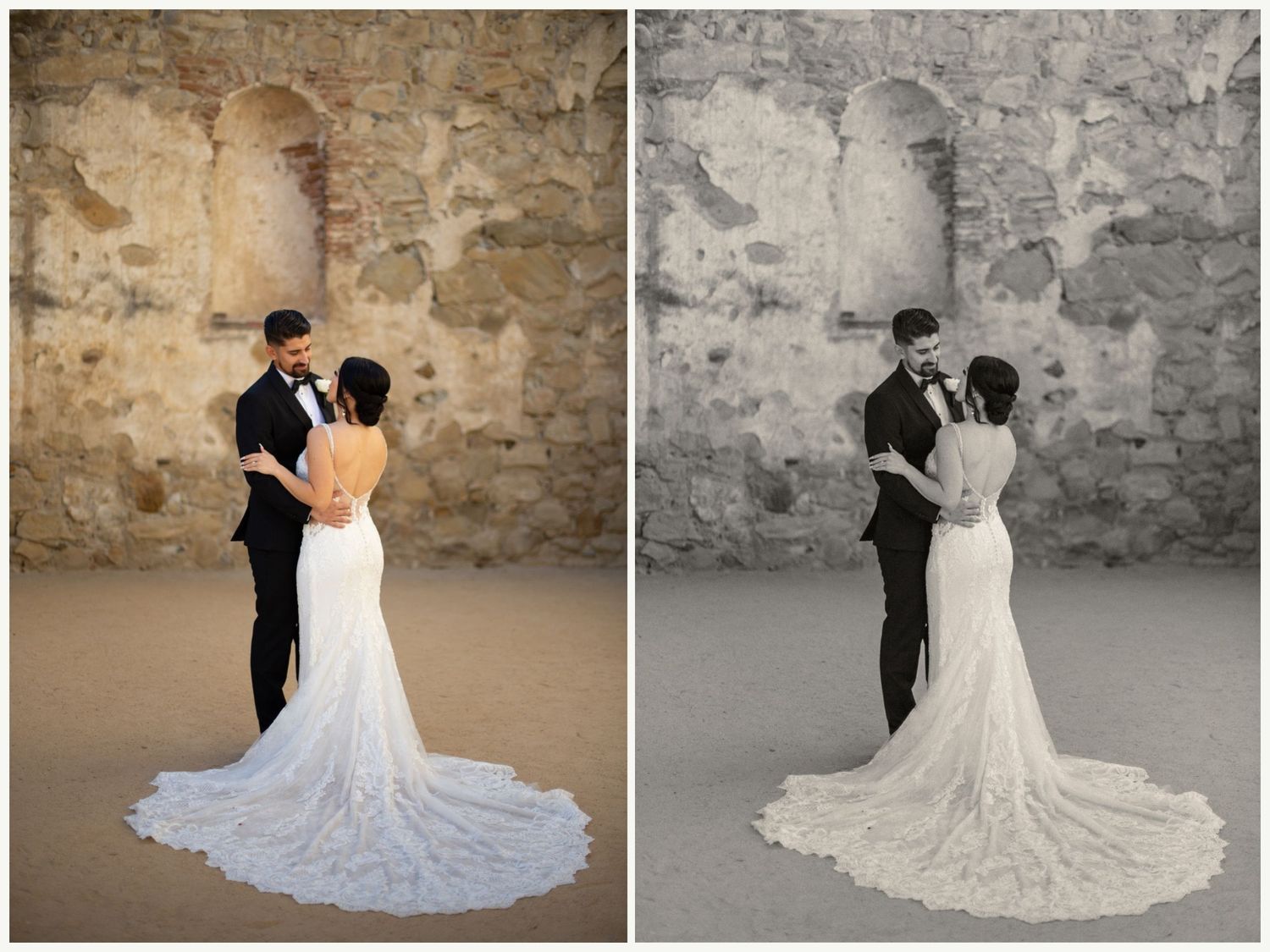
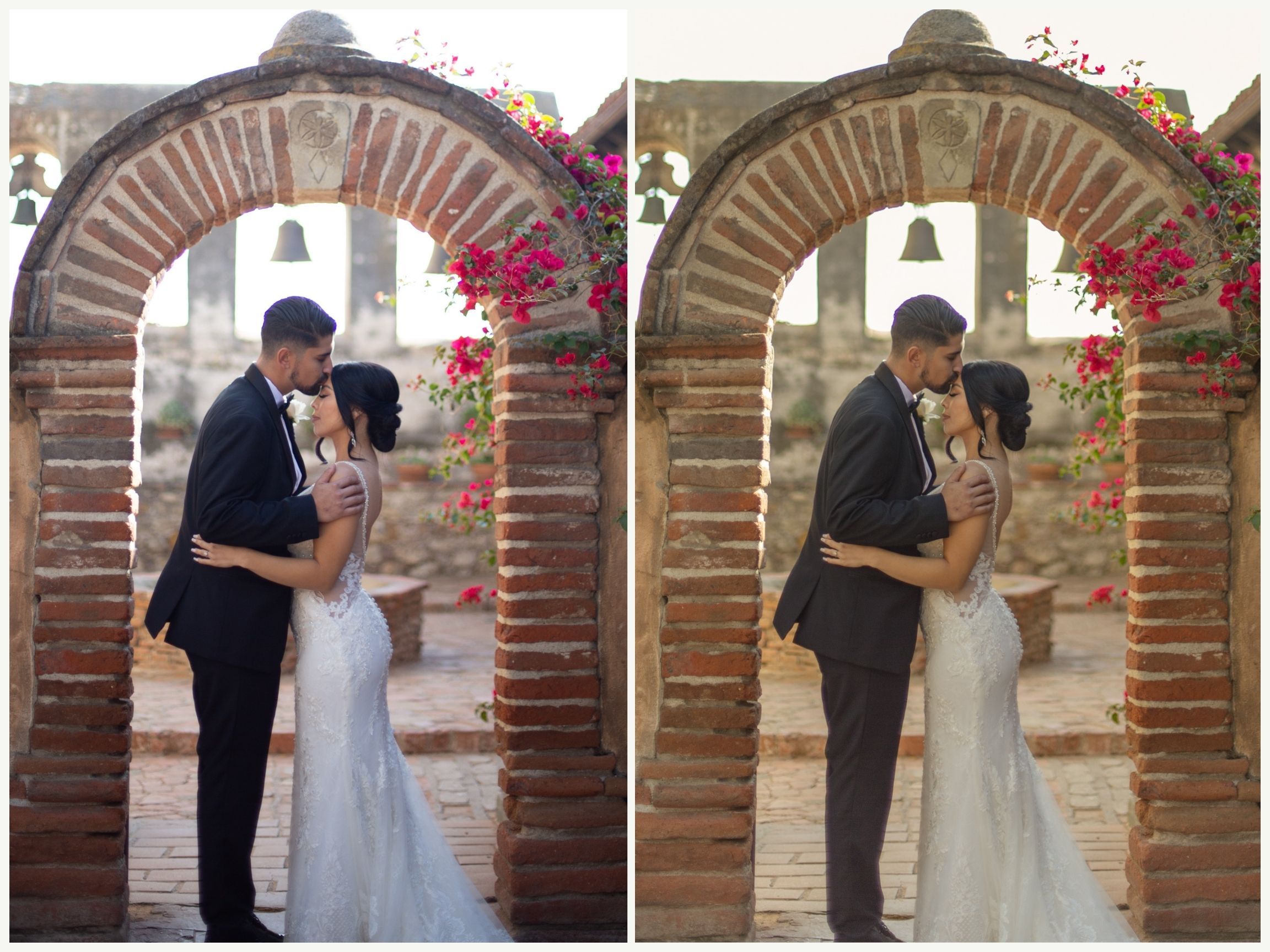
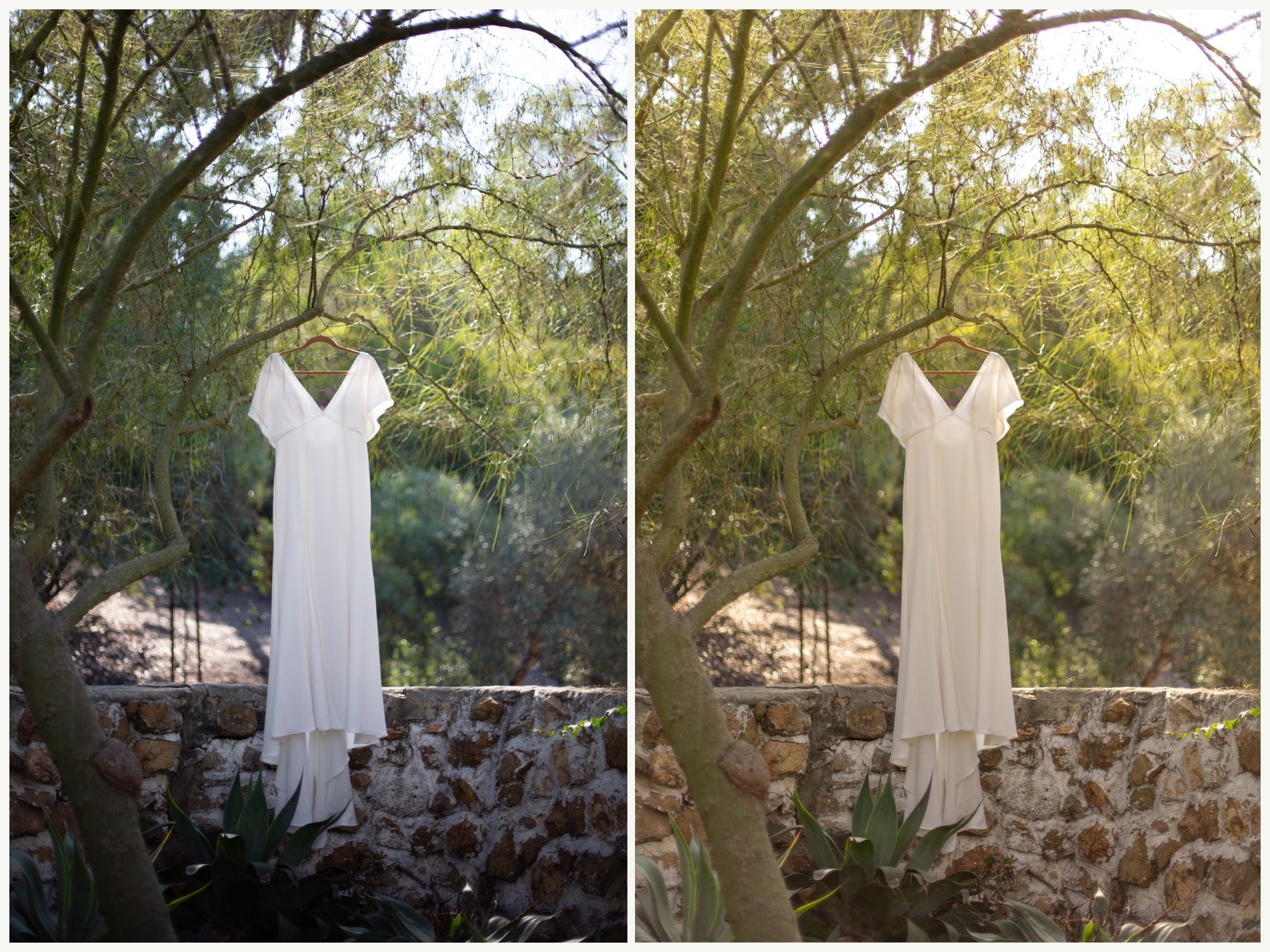

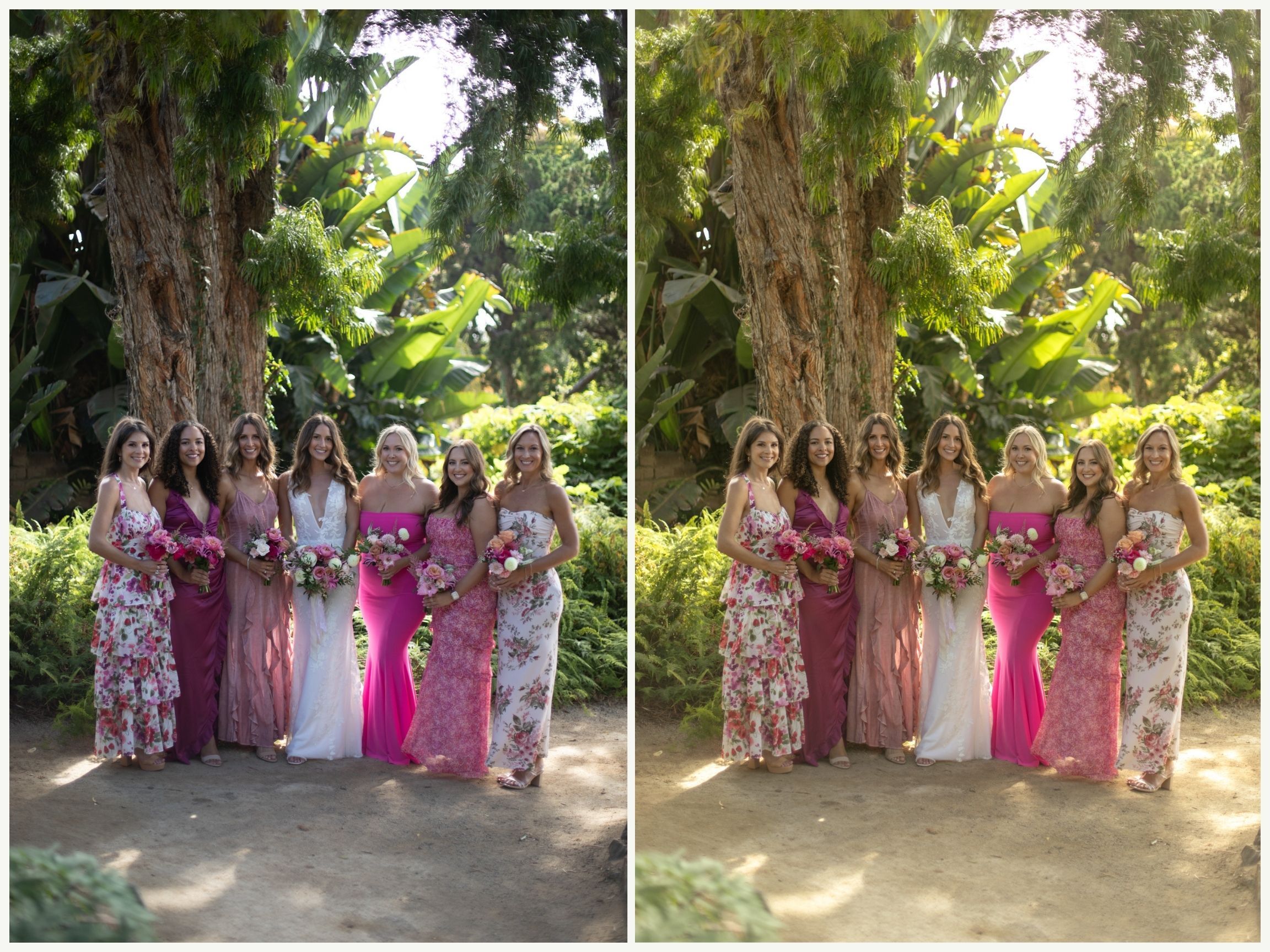
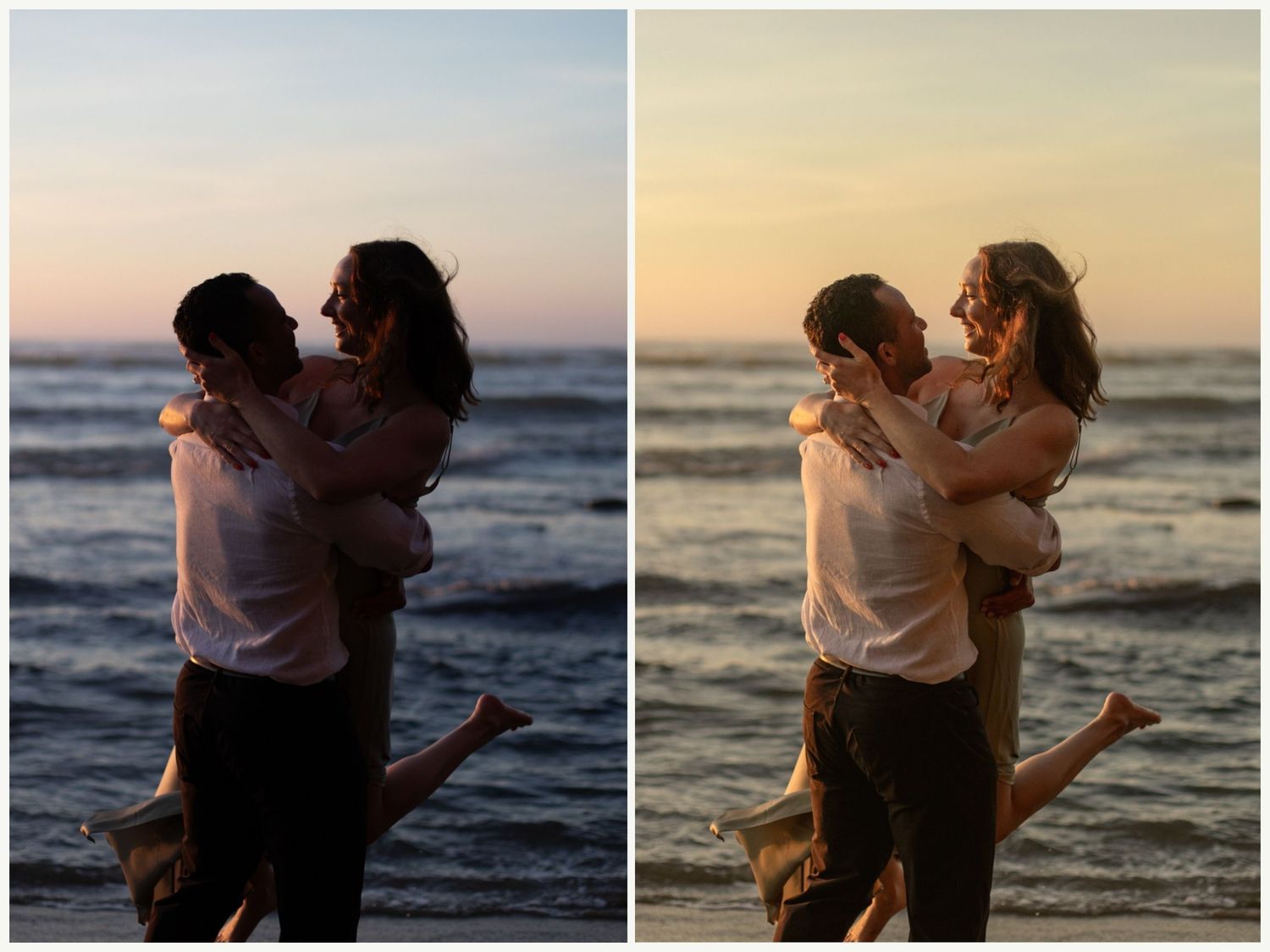
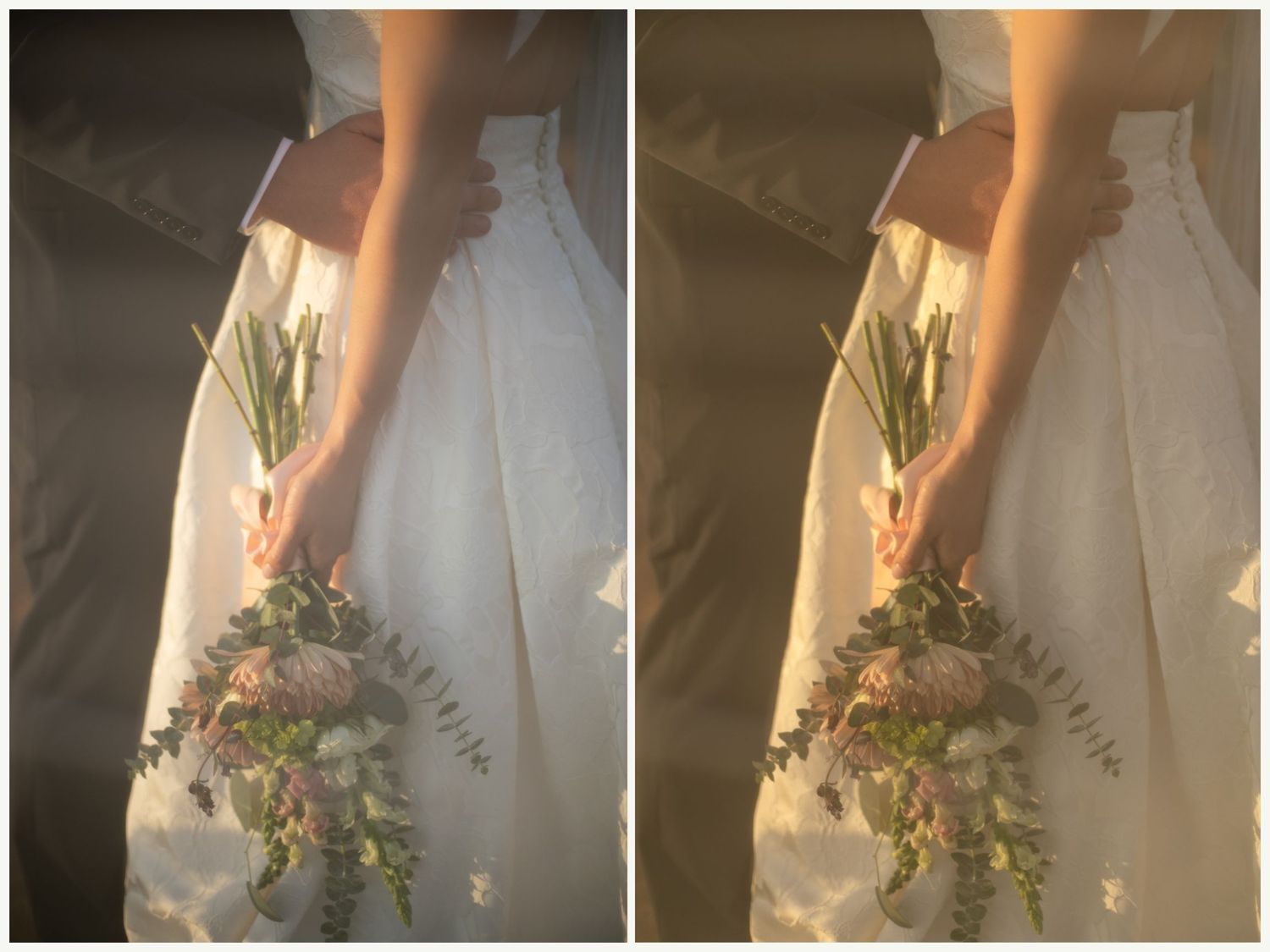
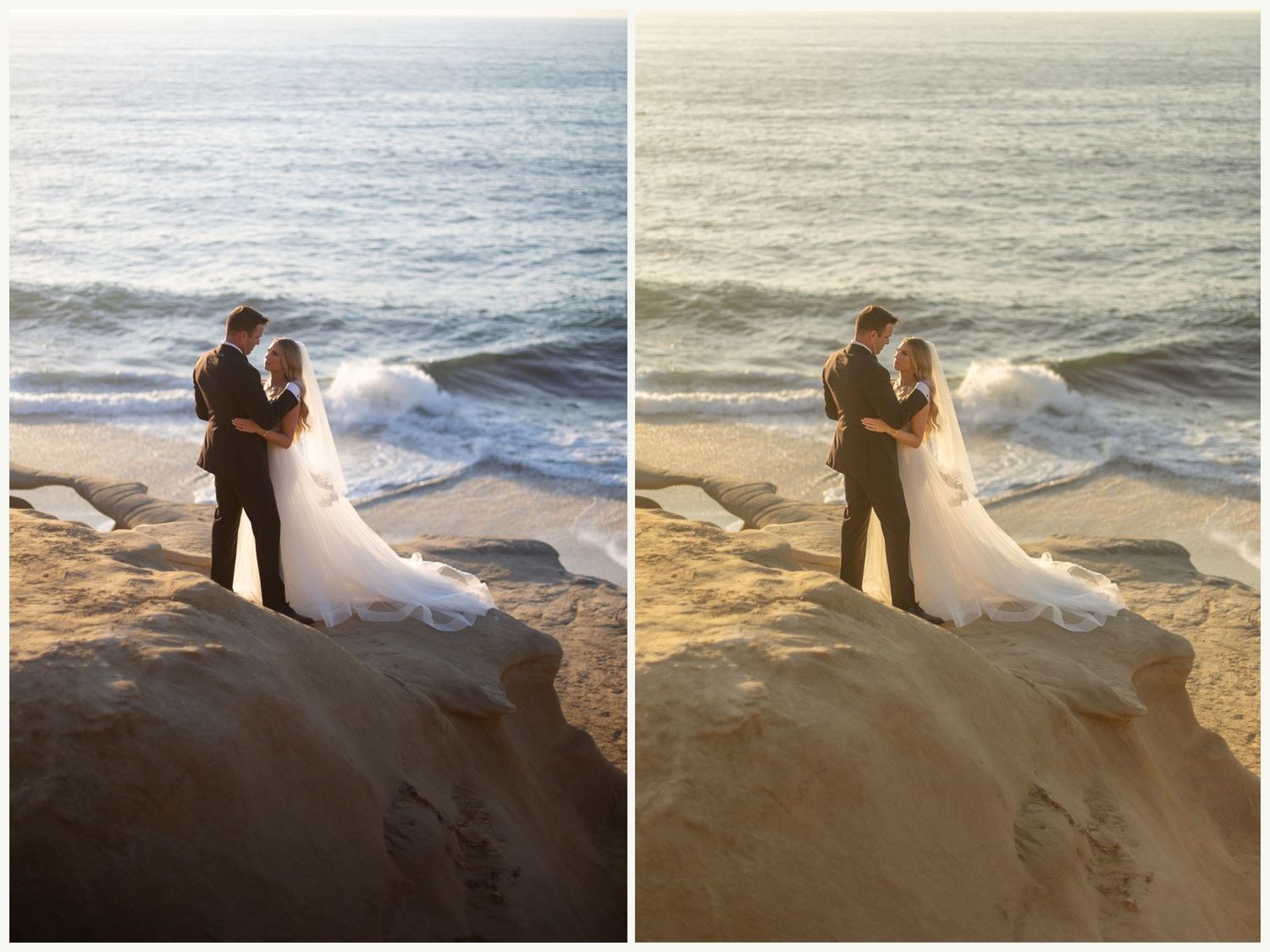
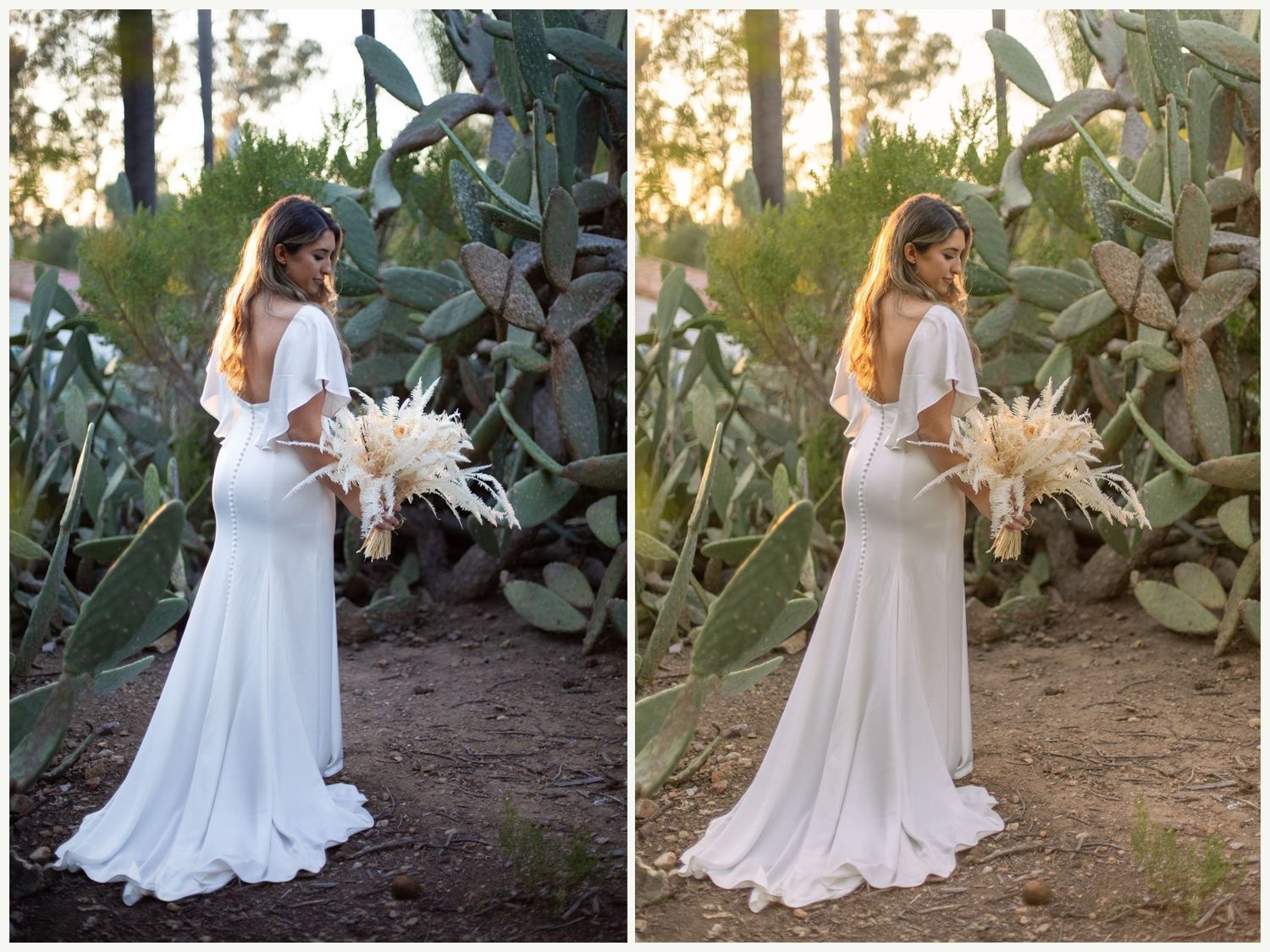
Here is a preview of what it's like to use the Cinematic Preset Pack. I've tried to include lots of different lighting scenarios for you to get an idea of how they work. Everything was shot on auto white balance with a Canon 5D mark IV.