Essentials Pack
My foundational Presets
+ Essentials Preset
+ 6 Modifiers
+ 2 B&W Presets
+ Instructions for download
+ Tips for using presets
This preset pack consists of one main base preset, and then 6 modifiers that will help create the best outcome for all different lighting scenariors. There are also two black and white presets to complete the pack.
Built for consistency
Every preset is designed to work together so your galleries feel cohesive from start to finish.
True-to-life color
No heavy filters or tones. Clean, natural color that reflects the moment as it felt.
Works in real lighting
From harsh midday sun to indoor receptions, these presets are built to adapt.
A refined, timeless finish
Your images will feel polished and elevated, without looking over-edited.
Examples of whats included!
Base Preset
This is the base preset that you will apply to your image. Lots of time this is all you will need and then you can apply minor adjustments like exposure, highlights, blocks etc...
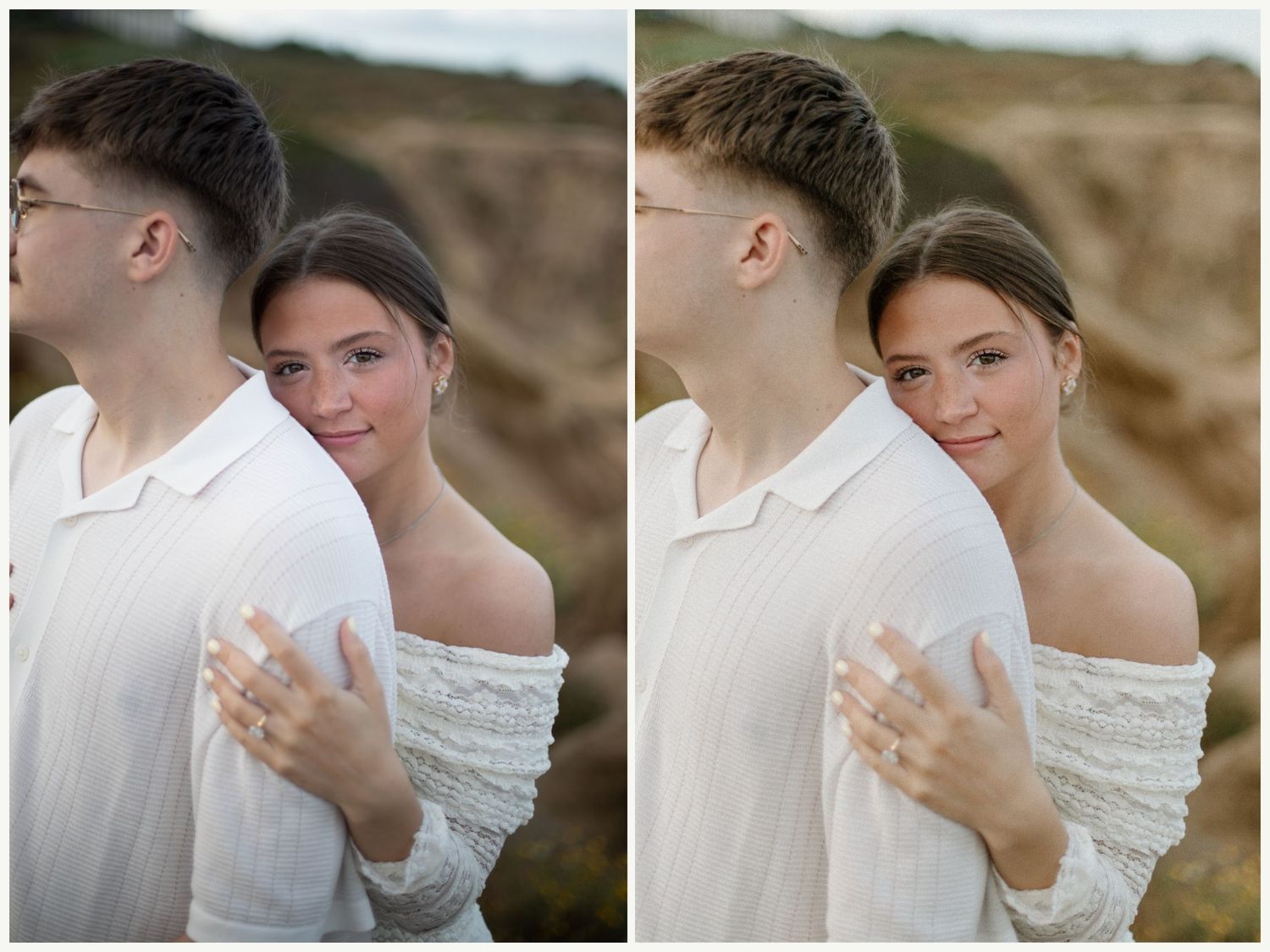
Warmth Modifier
After you've added your base preset, this Warmth Modifier is if you're image is on the cooler side and need some warmth all around in the shadows and midtones.
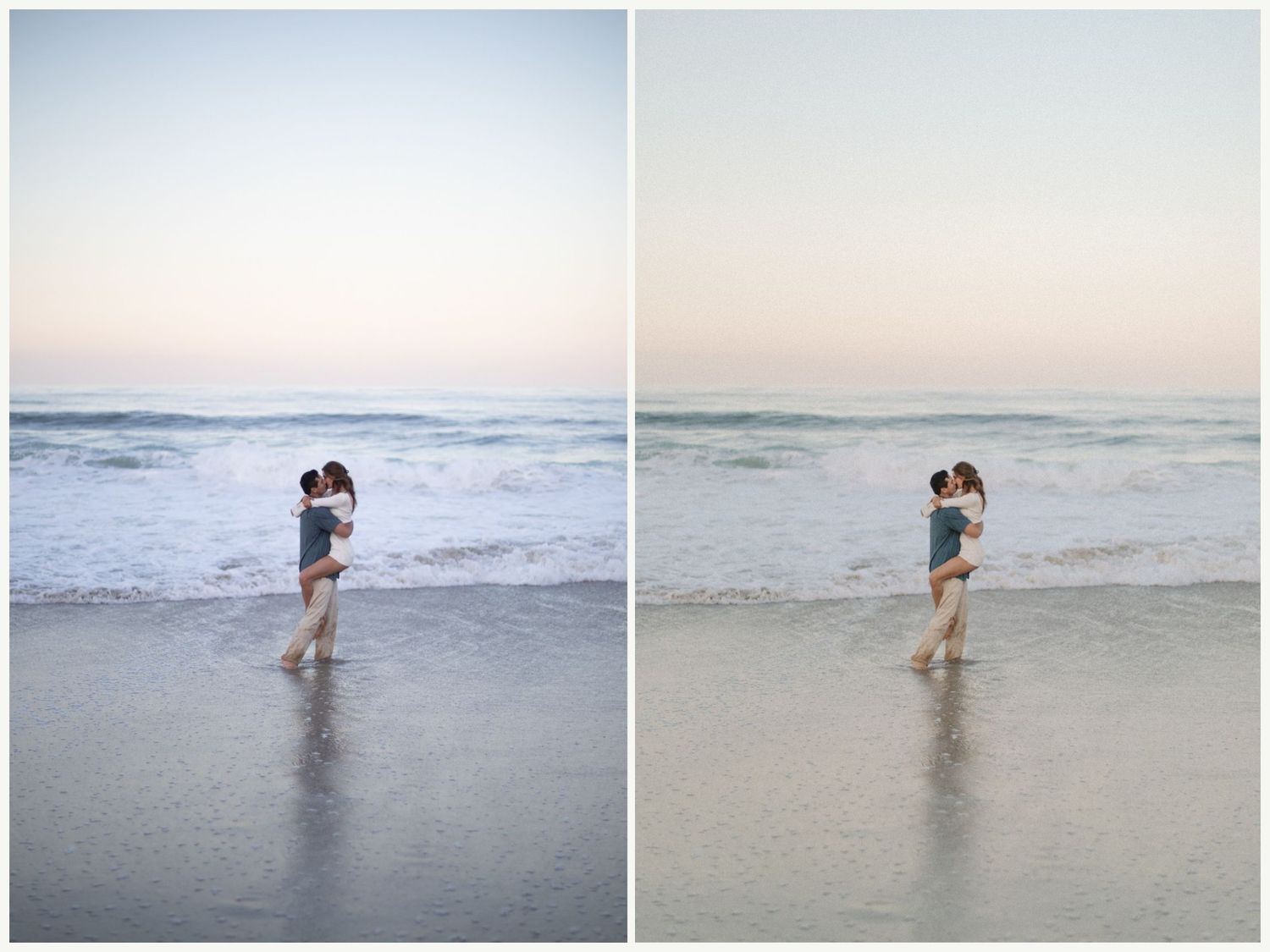
Cool Modifier
When you have an image that is very orange to begin with or very hot lighting, you can add this cool modifier to bring that all down.
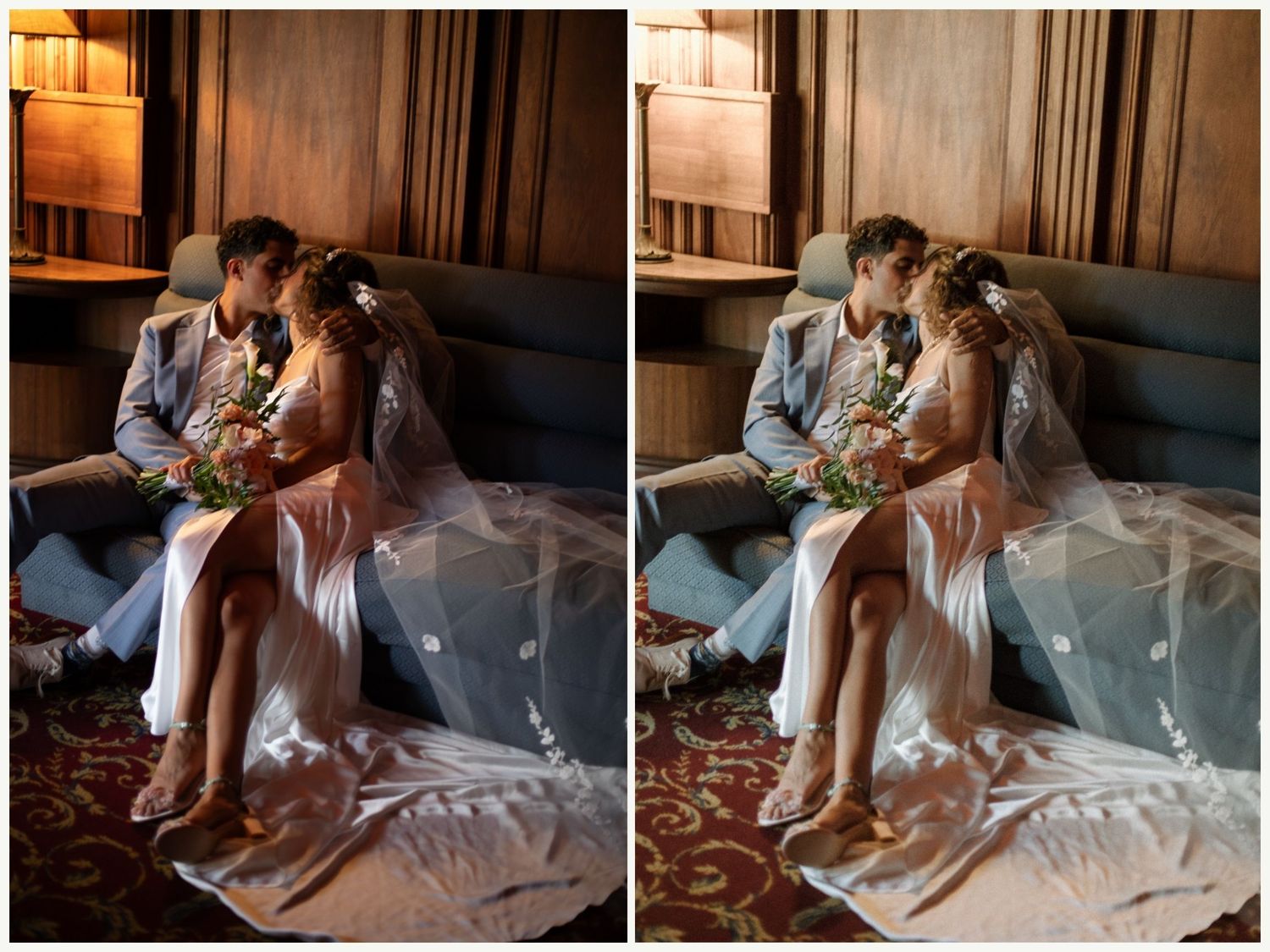
Soft Modifier
When an image has too much contrast or you want to give it a filmy look, the Soft Modifier will bring all the dark areas up a bit and give you a soft look.
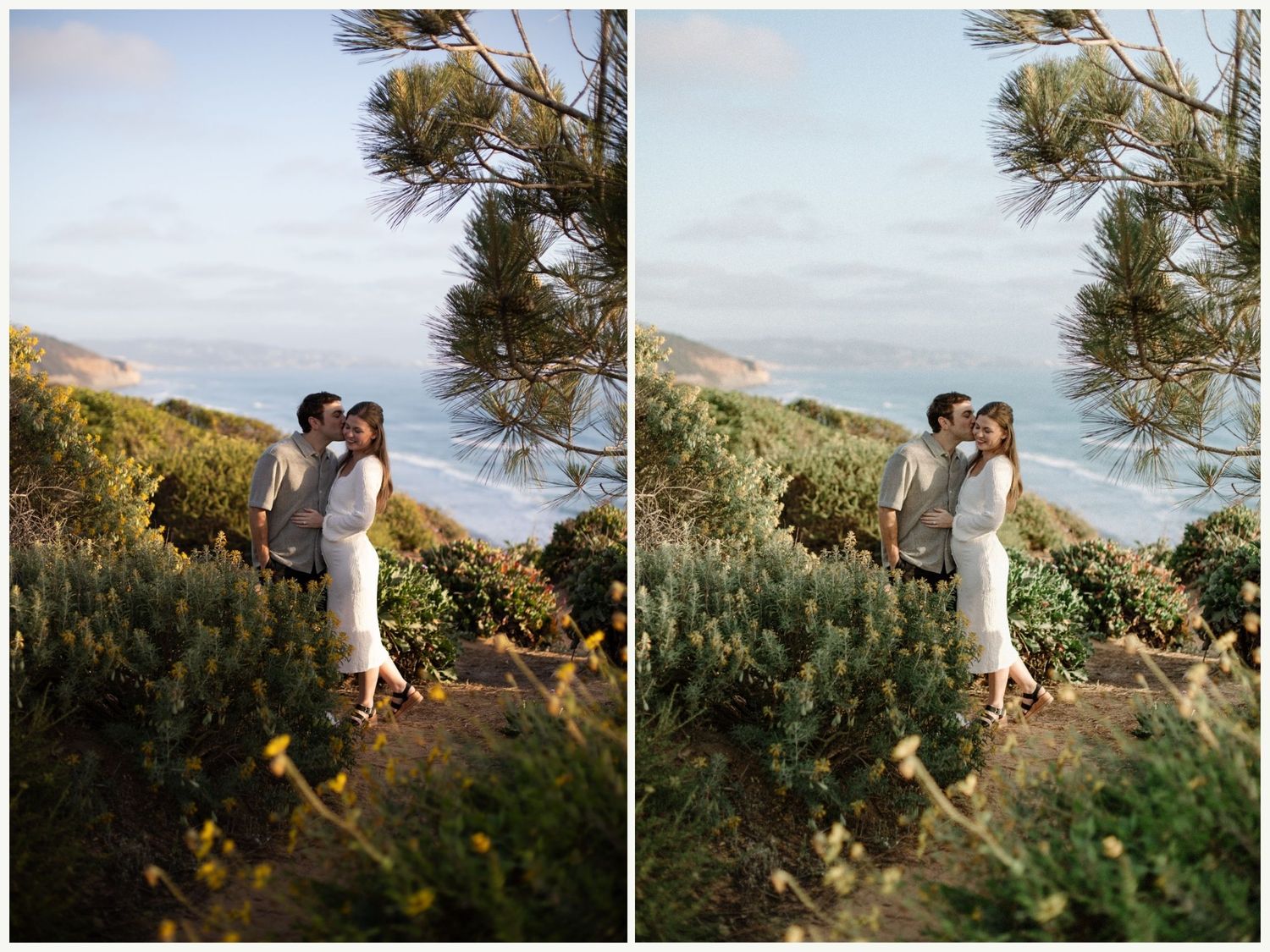
Contrast Modifier
If your image is backlit, or it just needs that extra punch, this Contrast Modifier will give your image the much needed blacks and contrast a boost.
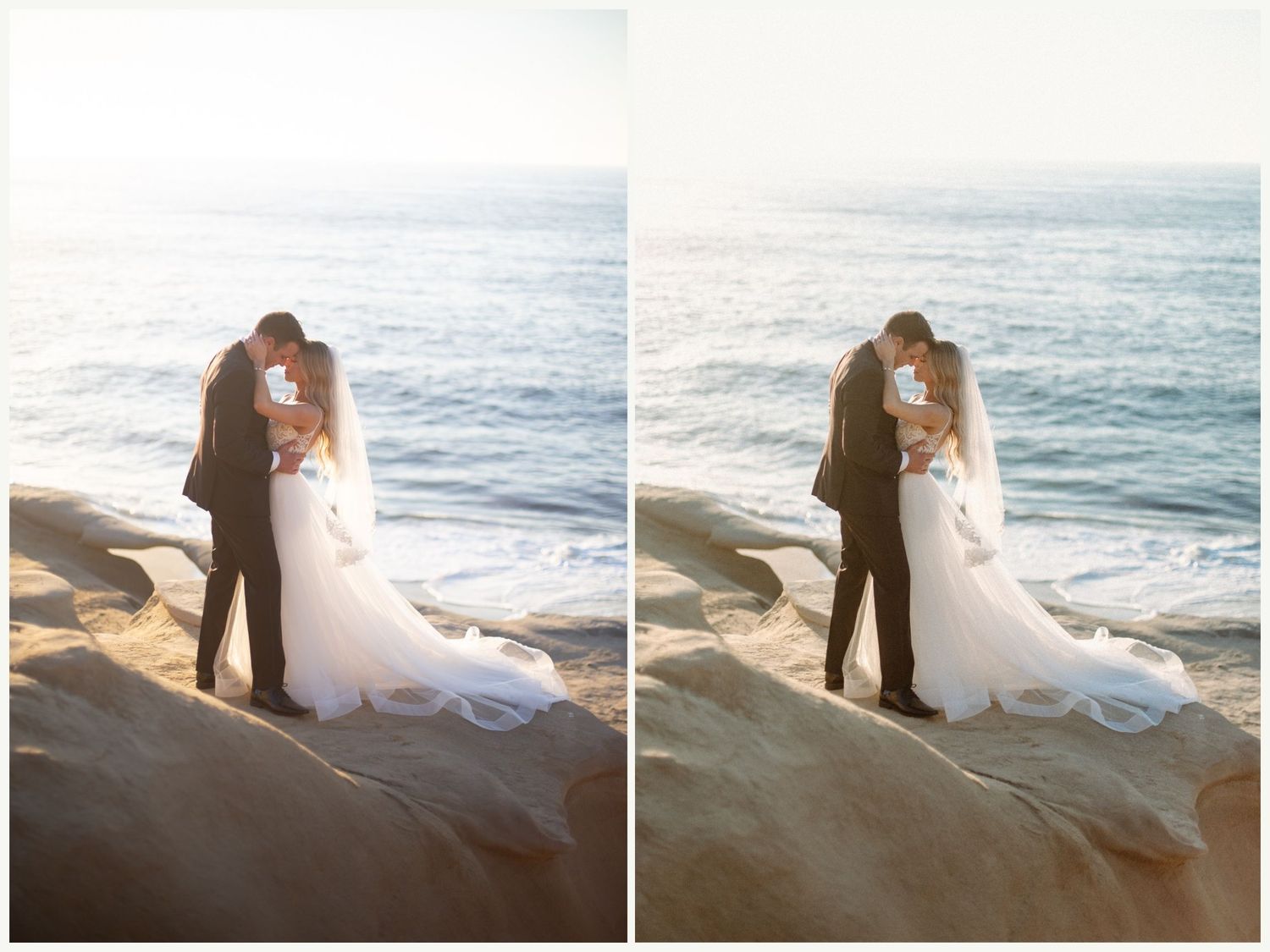
Green Modifier
It can be so hard to get greens the right color, so this modifier will help create that true-to-life green color that we like.
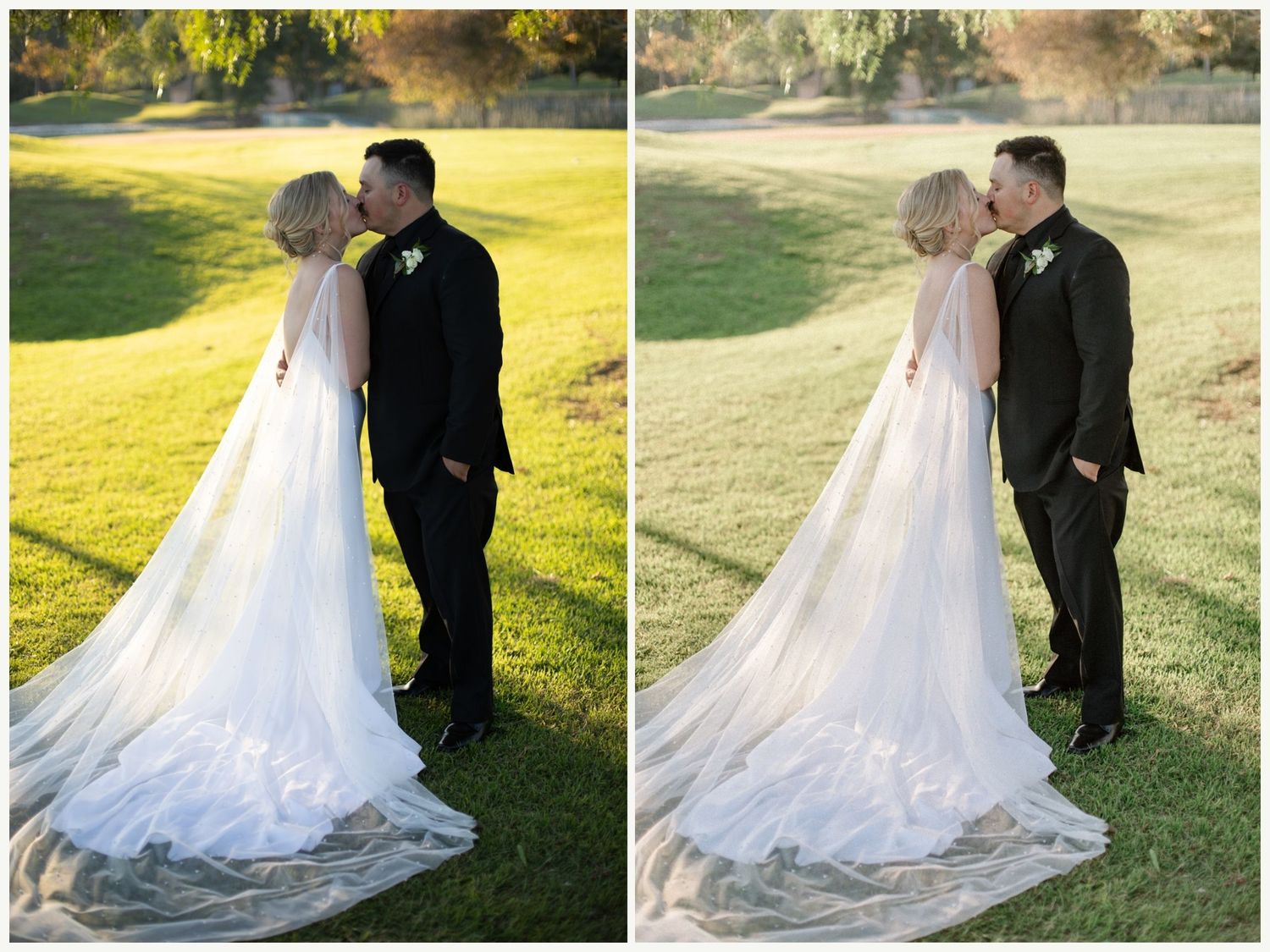
Blue Modifier
When you have an ocean or a sky that you want to pop more or bring out that beautiful blue color, this blue modifier will be perfect for that.
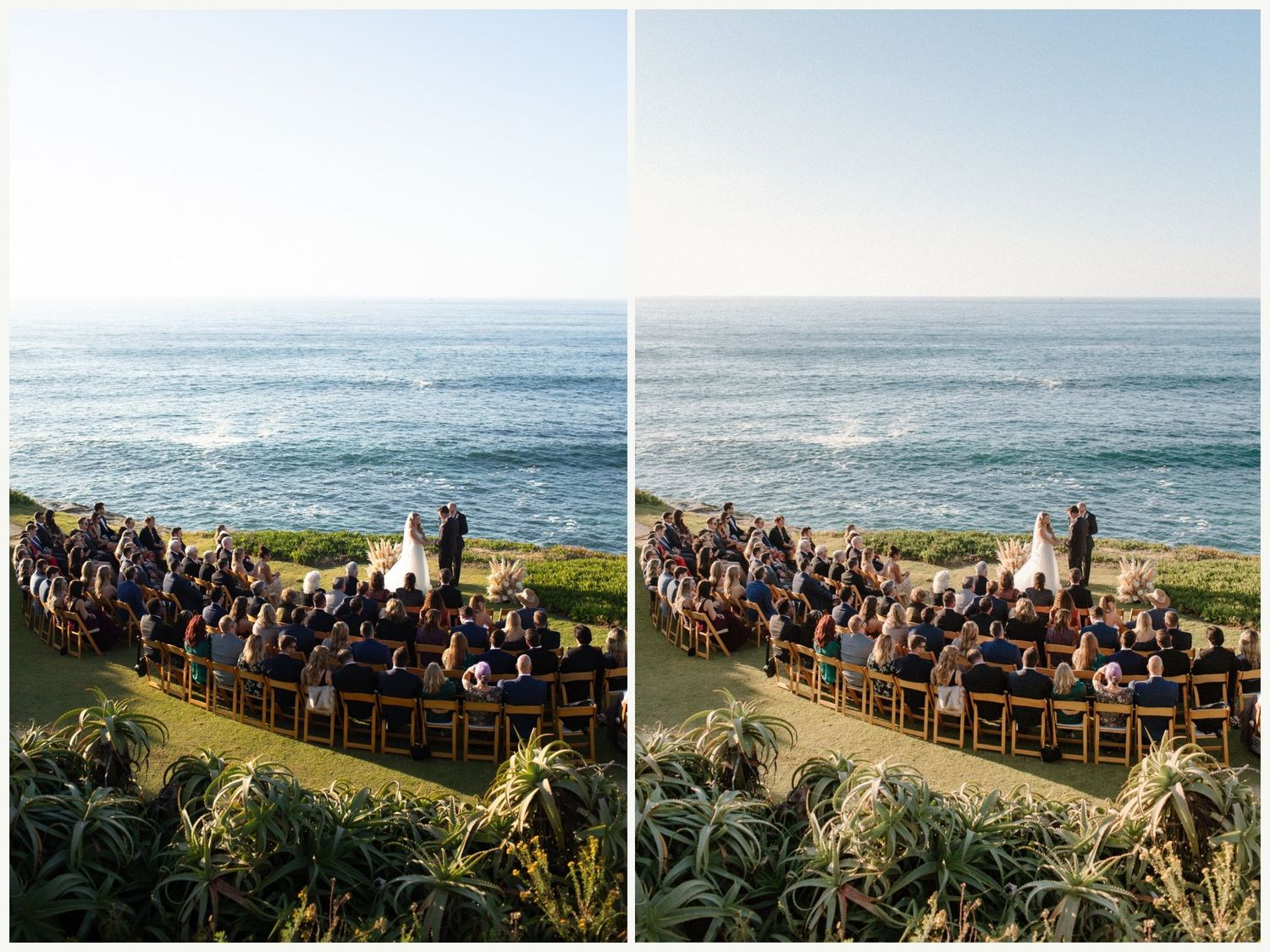
B&W
This is your classic Black and White preset that makes skin tones look even and a pop in contrast.
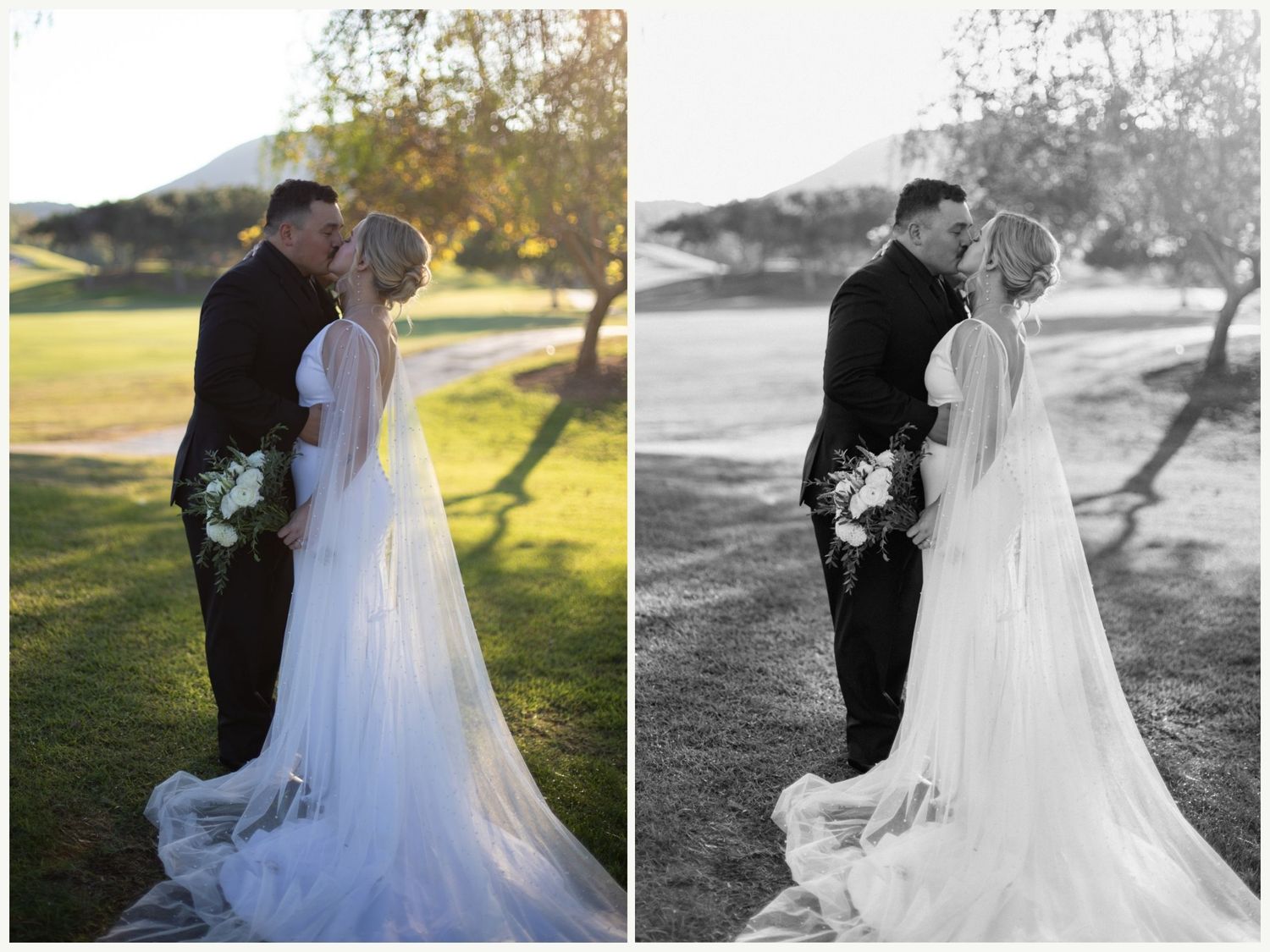
B&W Soft/film
This is a great Black and White Preset for making a beautiful soft black and white, or giving it that film look.
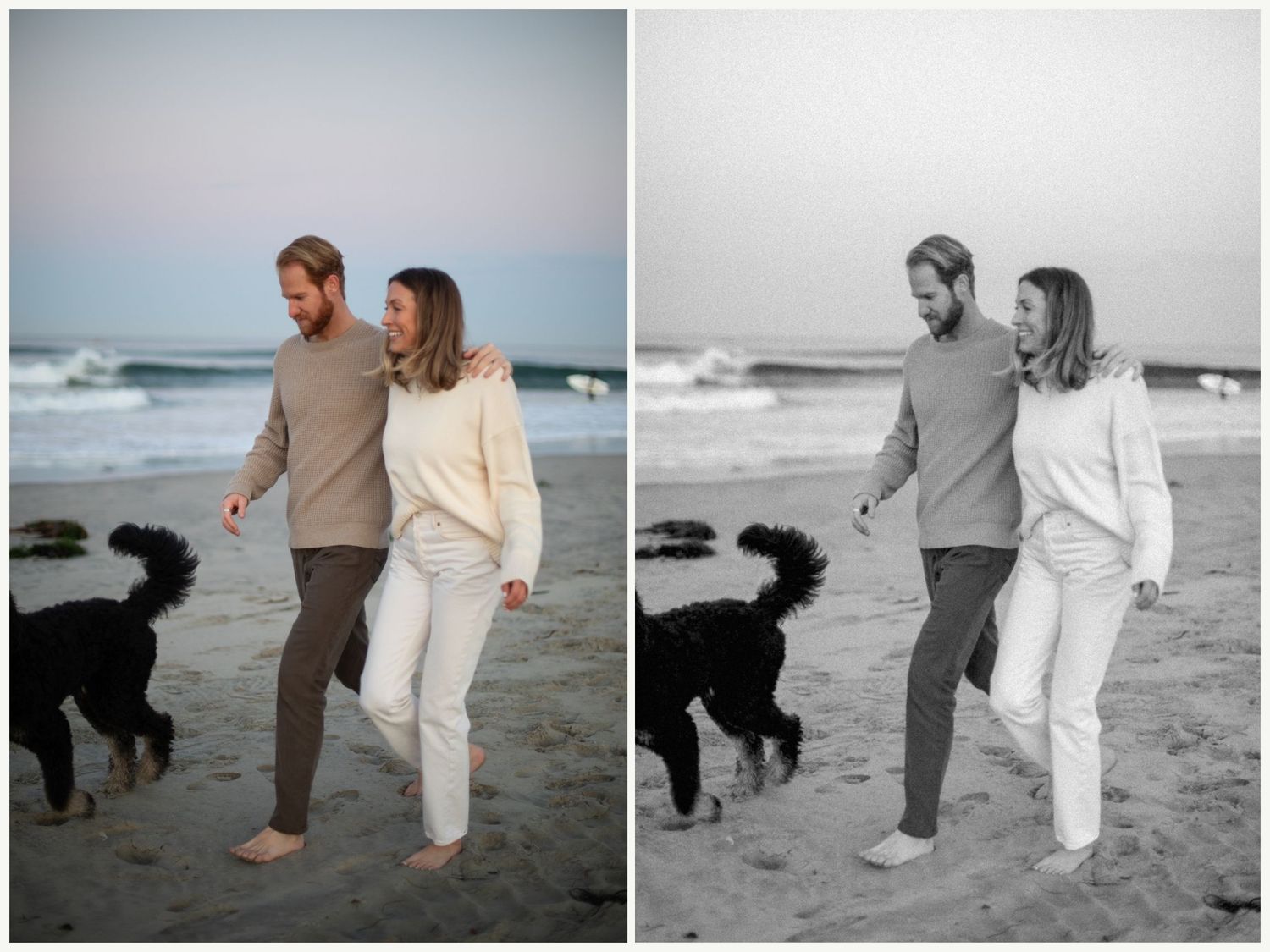
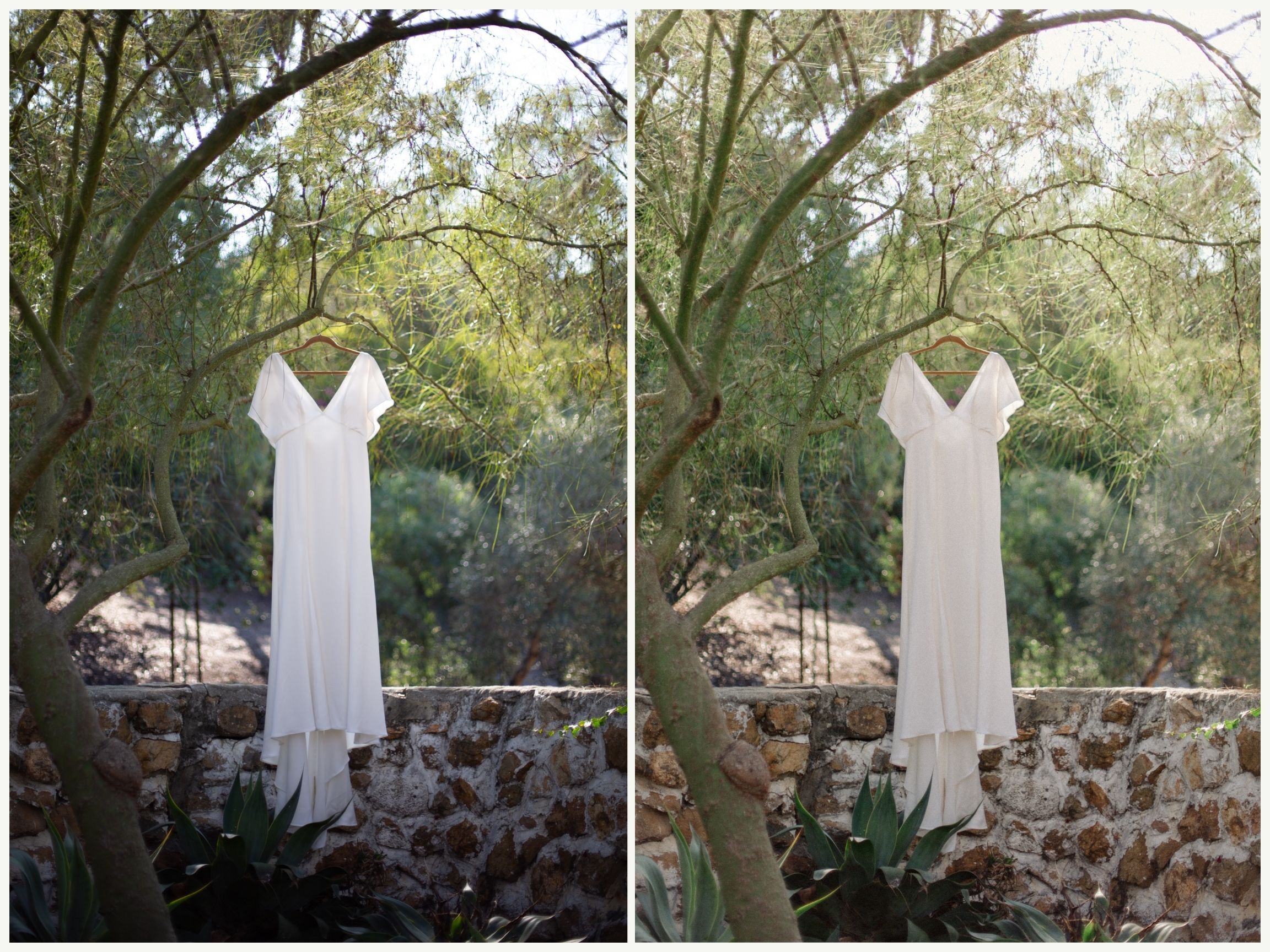
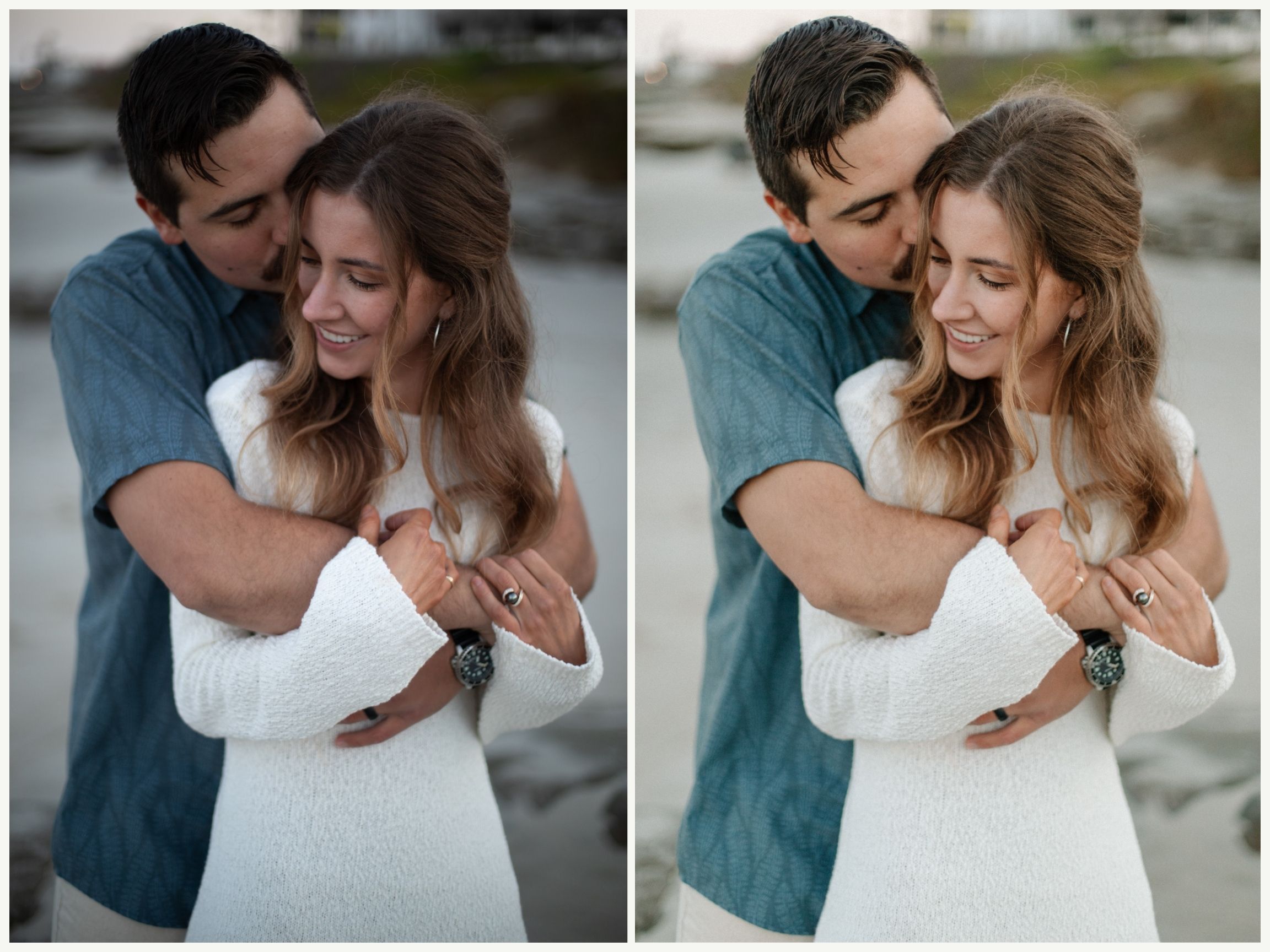


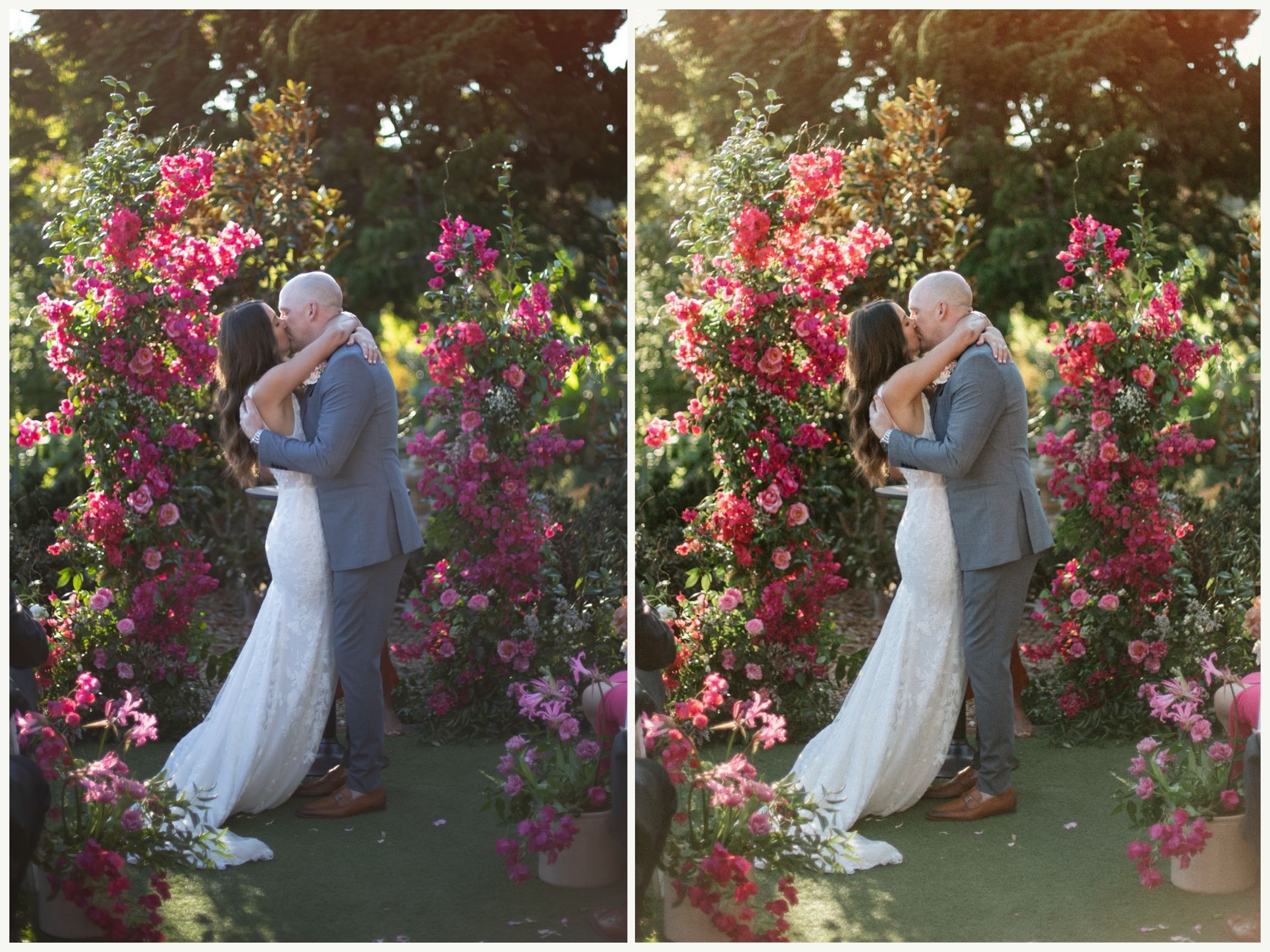
Here is a preview of what it's like to use the Essential Preset Pack. I've tried to include lots of different lighting scenarios for you to get an idea of how they work. Everything was shot on auto white balance with a Canon 5D mark IV.